
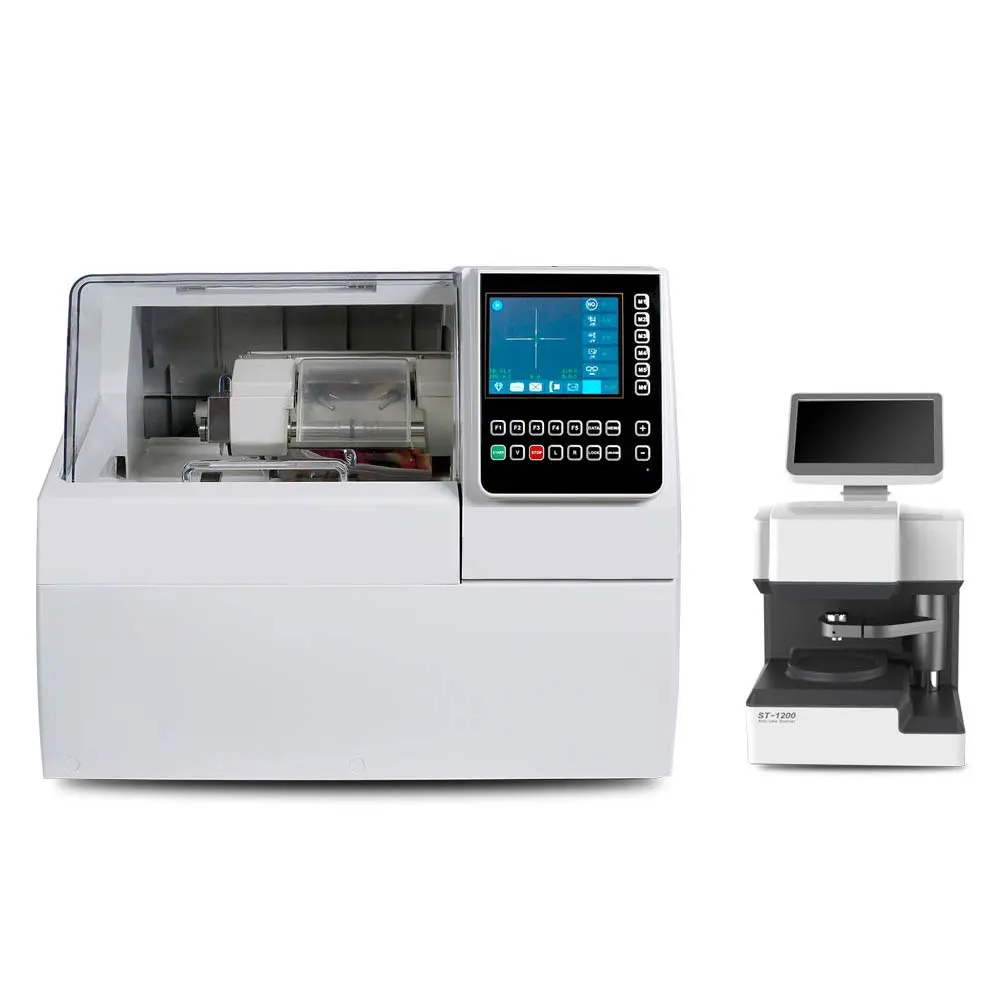
In modern optical laboratories and clinics, traditional methods relying on physical templates and manual adjustments are increasingly being replaced by the digital precision of automated systems. This comprehensive guide will walk you through the process of using the ALE 1000 auto lens edger, ensuring you can produce high-quality eyewear with confidence and efficiency.
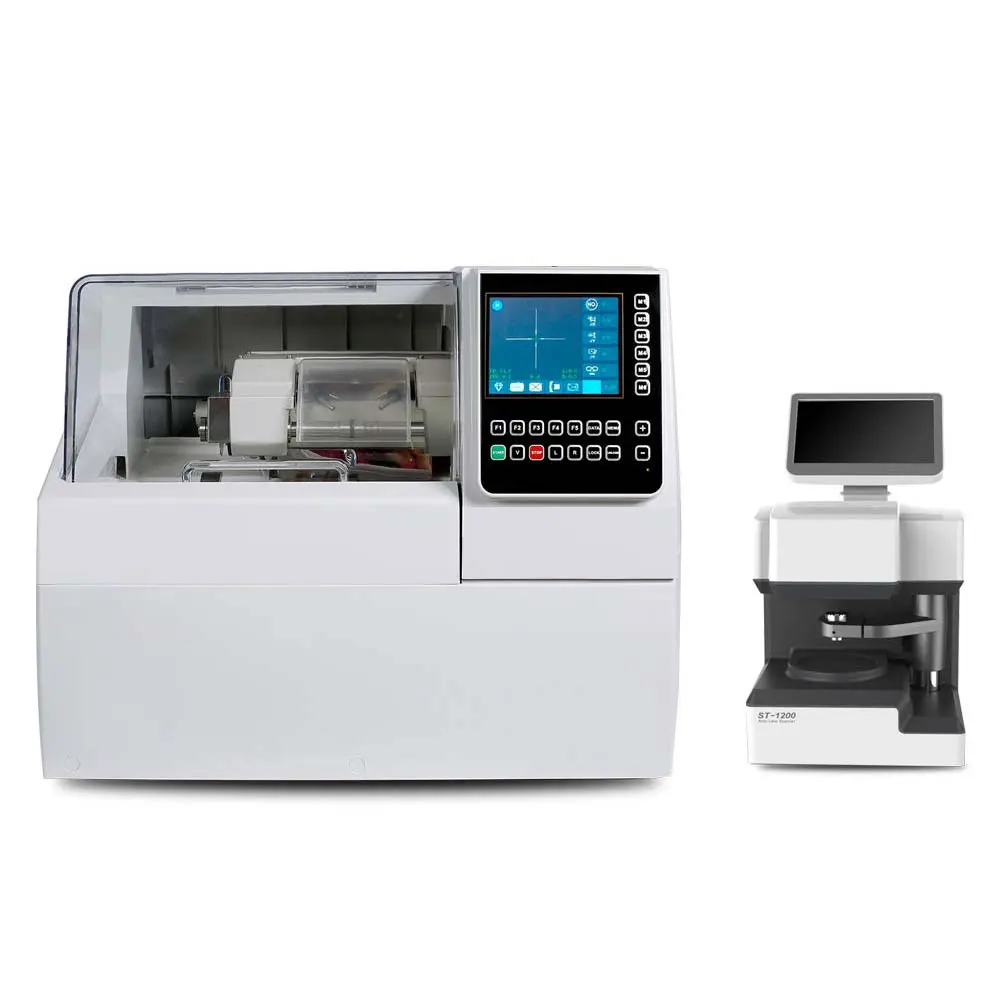
Understanding the ALE-1000 System
The ALE 1000 is classified as a “patternless” edger because it doesn’t require a physical, pre-cut template (pattern) to determine the shape of the lens. Instead, it uses a digital tracing system to capture the exact contours of the frame. This not only saves time and physical storage space but also allows for greater flexibility with complex frame shapes and custom adjustments.
To use an ALE-1000 patternless lens edger, first scan the frame or a templet with the attached scanner, then edit the size on the screen. Next, select the lens material, bevel shape, clamping pressure, and polishing options. Finally, place the lens in the edger, select the appropriate parameters, and start the edging process.
Step 1: Scan the frame or templet
Place the frame or templet into the attached ST-1200 scanner.
Ensure the concave surface of the lens is facing up if scanning a lens.
The scanner will capture the shape and size of the frame or templet.
Step 2: Edit and transmit the data
Review the scanned data on the edger’s LCD screen and make any necessary edits.
Select the lens material (e.g., PC, CR-39, HI Index, Trivex, or glass).
Transmit the data to the edger for the edging process.
Step 3: Set edging parameters
Choose the desired bevel shape and polishing style (e.g., bevel, flat).
Select the appropriate clamping pressure, which can be adjusted from 1 to 3 depending on the lens material.
Select the desired grinding and polishing wheels for the lens material.
Step 4: Edge the lens
Place the blocked lens into the edger’s chuck.
Ensure the block is positioned correctly with the mark facing up.
Press the start button to begin the edging process.
Once the process is complete, press “unlock” to release the lens.
Daily Maintenance:
To ensure longevity and consistent accuracy from your ALE 1000:
Clean Daily: At the end of each shift, turn off the power and thoroughly clean the internal chamber, removing any swarf (lens debris).
Water Quality: Regularly check and clean the water filter net and change the water supply frequently to prevent buildup in the internal plumbing and maintain optimal cooling efficiency.
Important considerations
Ensure the water system is on and sealed before starting.
Perform regular maintenance, such as cleaning the waterproof cover and checking the water probe.
Always ensure the machine is properly grounded to avoid electric shock or fire hazards.
If the machine is damaged, turn off the power immediately and contact customer support.
It is recommended to have the landing position checked periodically (e.g., monthly) after installation to ensure accurate edging.
Mastering the ALE 1000 patternless lens edger transforms lens processing from complex manual operations into an efficient, precise automated workflow, ensuring your optical shop consistently delivers accurate, high-quality lens finishing services. For full product specifications, you can refer to the ALE-1000 page on Link Eyecare.


